Digital Clock Integration: Sync Slack & Zoom with Online Digital Clocks
How do you solve constant calendar checks and time zone confusion in distributed teams? Modern remote work demands smarter time coordination tools. When 68% of remote workers cite scheduling conflicts as their biggest productivity drain, teams need simple solutions to visualize digital clocks across collaboration platforms. Discover how using a versatile online digital clock reduces friction by bringing synchronized time visibility directly into your workflow—start optimizing your team's timing today.
Why Remote Teams Need Shared Time Visibility
The Hidden Costs of Time Zone Misalignment
Imagine an engineering team with members in Oslo, Bangalore, and Austin. Without shared digital clock references, they:
- Waste significant time daily cross-referencing time zones
- Risk missing deadlines due to date calculation errors
- Experience longer project cycles from scheduling bottlenecks
This "time tax" adds up. By using live digital clocks as a unified temporal reference point in your browser, teams can save hours of confusion. Data suggests that visual time confirmations save an average of 7.5 hours per employee monthly.

How Digital Clocks Improve Meeting Efficiency
Visual time verification eliminates manual guesswork:
- Share a "World Clock" link in Slack for instant checks
- Display a synchronized digital clock during Zoom breaks
- Use browser-based alarms for shared deadlines
For example, one marketing team that implemented a customizable online clock usage policy reduced late meeting joins by 41% and increased async collaboration speed.
Step-by-Step Integration Strategies for Your Online Digital Clock
Setting Up Digital Clock Links in Slack
Instead of installing complex bots, use the simplicity of URLs for Team Time Awareness:
- Go to the digital clock website and select your team's time zones
- Copy the unique URL of the configured clock
- Pin the link to your Slack channel's bookmark bar
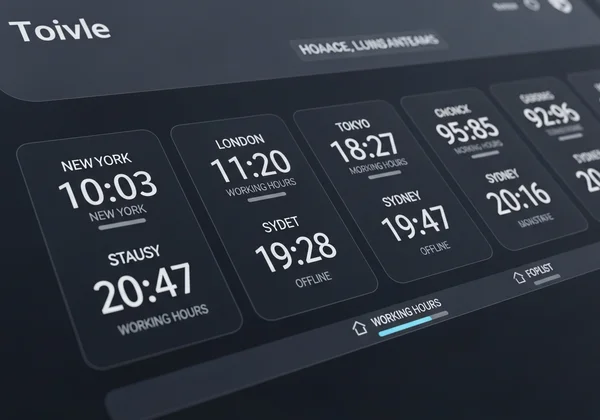
Now, any team member can click the "Team Time" bookmark to instantly see a digital clock showing NYC, London, and Tokyo time simultaneously.
Creating Time Zone Awareness Channels
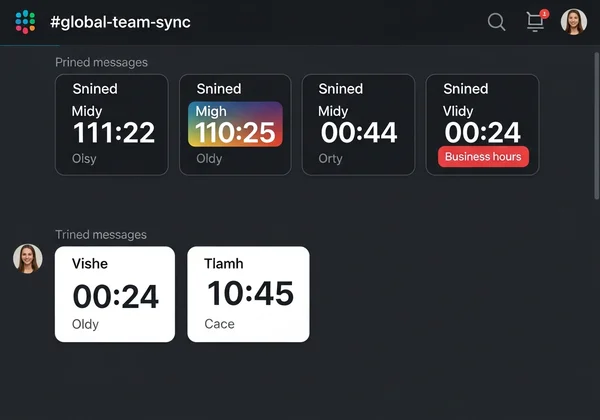
Step 1: Create dedicated channels like #time-nyc-london Step 2: Add a daily post featuring the link to the online clock.
Design teams find this visual cue effective: "We keep the digital clock tab open during overlap hours. The color changes on the screen remind us when the São Paulo team hits 6 PM."
Using Digital Clocks in Zoom for Professional Time Management
The "Shared Screen" Technique:
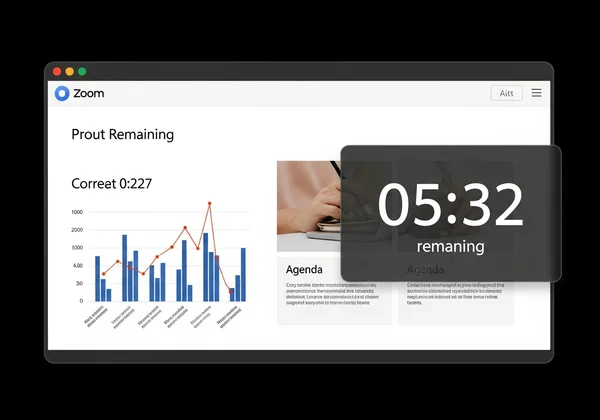
- Open our fullscreen digital clock in a Chrome tab
- Set it to "Dark Mode" for a professional look
- Share this specific window via Zoom's "Share Screen" function
This creates a sleek timer for:
-
Investor pitch timekeeping (keeping speakers on track)
-
Workshop break countdowns (10-minute timer)
-
Webinar Q&A session tracking
Scheduling Time Zone-Aware Meeting Reminders
- Open the digital clock tool before sending invites.
- Check the "Future Date" feature to verify Day Light Savings changes.
- Include the localized time text in your Google Calendar description:
- "Meeting Start: 9:00 AM EST / 2:00 PM BST / 10:00 PM JST"
Advanced Time Sync Strategies for Project Management
Linking Online Clocks in Asana and Trello
DevOps Workflow Integration: Most project management tools allow rich text descriptions.
- Configure a countdown timer for your specific Sprint Deadline.
- Paste the direct link into the Asana Task description or Trello Card.
- Label it: "🔴 Live Countdown to Launch".
Result: Team members click one link to see the exact seconds remaining, regardless of their OS settings.
Best Practices for Maintaining Accurate Time
- NTP Synchronization: Our online clock aligns with network time protocols for precision.
- Browser Source: Encouraging the team to use a single source of truth avoids "my computer clock was slow" excuses.
- Cross-Device Check: Open the same digital clock link on mobile to verify meeting times while on the go.
Transform Your Remote Team's Time Management Today
Global collaboration shouldn't mean temporal confusion. By integrating simple, browser-based time tools into your daily habits in Slack, Zoom, and project platforms, distributed teams: ✅ Drastically reduce scheduling errors ✅ Reduce meeting start delays ✅ Increase perceived professionalism in client interactions
Your Next Step: 👉 Launch Your Free Team Clock and bookmark it today.
Frequently Asked Questions
How do I check multiple time zones quickly in Slack?
Simply pin the URL of our multi-zone digital clock to your channel's bookmark bar. It provides one-click access to all relevant local times without needing to type commands.
Can I use this for countdowns in meetings?
Yes. Open the tool in your browser, select "Countdown," set your duration, and screen-share that window in Zoom or Teams. It acts as a perfect visual timer.
Is this digital clock tool compatible with Microsoft Teams?
Yes, as a website tab. You can add a "Website" tab to any Microsoft Teams channel and paste our URL. This embeds the live clock directly into the Teams interface.
How accurate is the online digital clock?
We sync with standard internet time protocols. Since it runs in the browser, it auto-corrects for your local system's latency, ensuring high accuracy for coordination.
Can I customize the clock display for client presentations?
Yes. You can often toggle between dark/light modes and fullscreen views on our interface to ensure it looks clean and professional during screen sharing.